

How the platform fits together
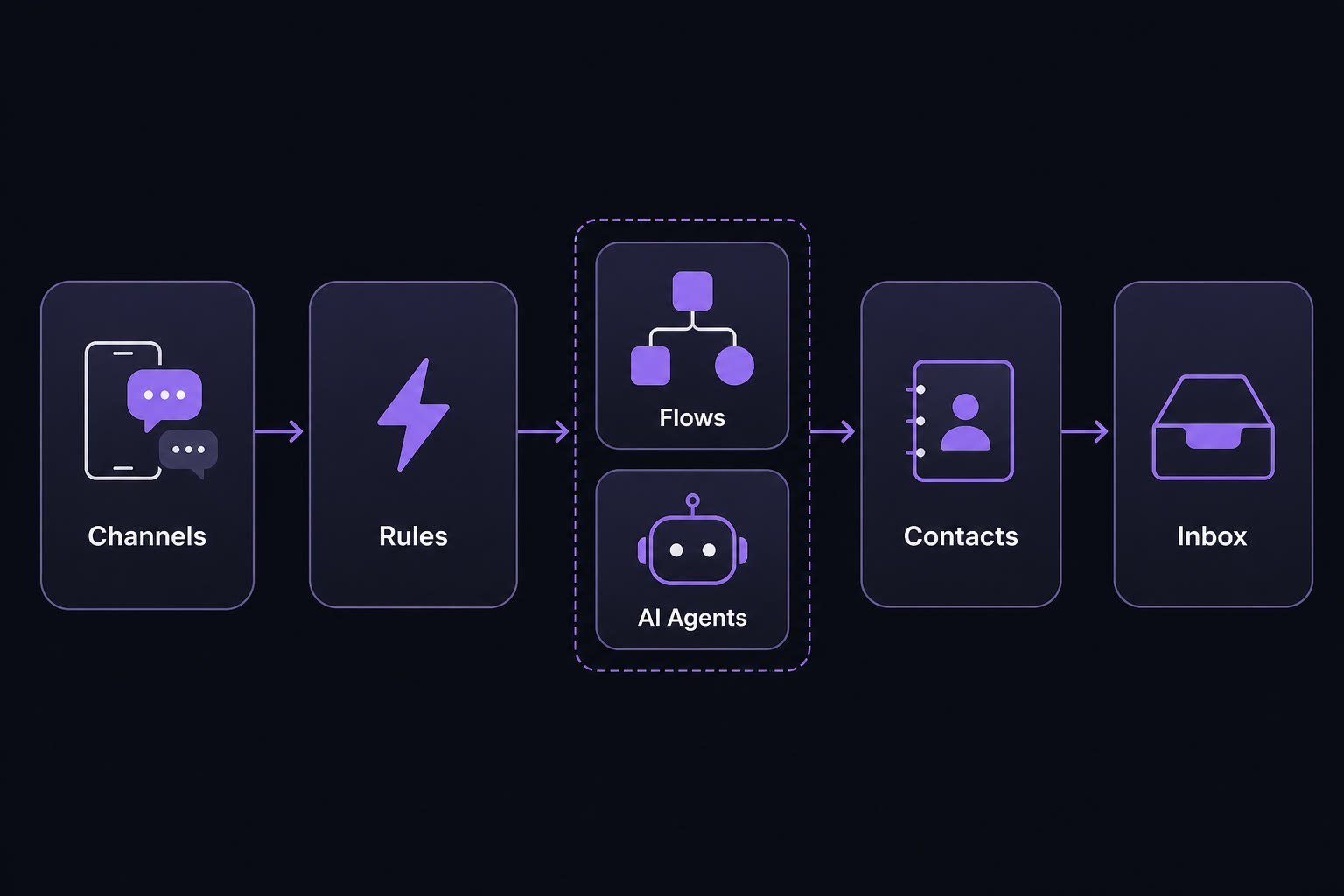
Channels feed rules; Flows and Agents reply; Contacts store context; Inbox handles live handoff.
The four building blocks
Learn these in order — each one builds on the last.What else you will use
Suggested path
1
Skim this page
Keep the diagram in mind as you explore deeper guides.
2
Walk the building blocks
Open Building blocks in the sidebar: Flows → AI Agents → Contacts → Inbox.
3
Connect a channel
Start with Website Chat or WhatsApp, then add an Automation Rule.